Step 3 - Preview of Workflow
Key Features of the Preview Interface:
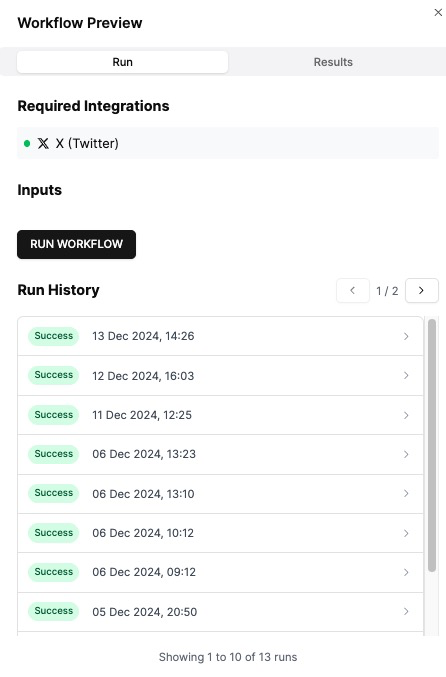
Required Integrations:
Displays the API modules your workflow uses (e.g., Twitter (X)), providing an overview of the dependencies and integrations needed for successful operation.
Run Test:
Use the Run Workflow button to test your workflow in a controlled environment. This helps identify issues and verify that the workflow behaves as intended.
Run History:
Tracks all test attempts, showing the status (e.g., "Success"), timestamps, and detailed results for each run.
Any errors or issues encountered during testing are recorded, giving you actionable insights to refine and optimize your workflow.
This Preview feature ensures your workflow is fully tested and error-free before being published, allowing for seamless deployment and enhanced user confidence.
Last updated